When announcing an event, network activity or other news on social media, please remember to use a visual – it will help increase the visibility of your post. We have created – and regularly update – this media pack to help you easily and fast create your EASA network social-media-friendly images.
EASA logo, fonts and colours
Whether you use the backgrounds we provide below, or you create your own visuals, please remember to use the EASA logo. Where appropriate, we also encourage you to use EASA’s fonts and colour palette. See here to get the EASA logo and info about fonts and colour codes:
Ready-to-use backgrounds for your visuals
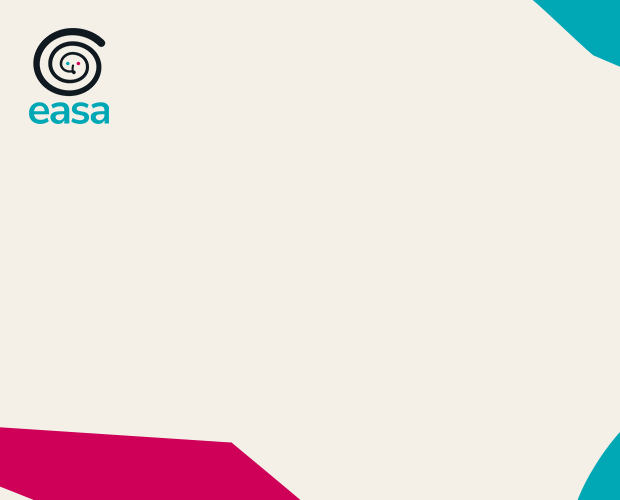
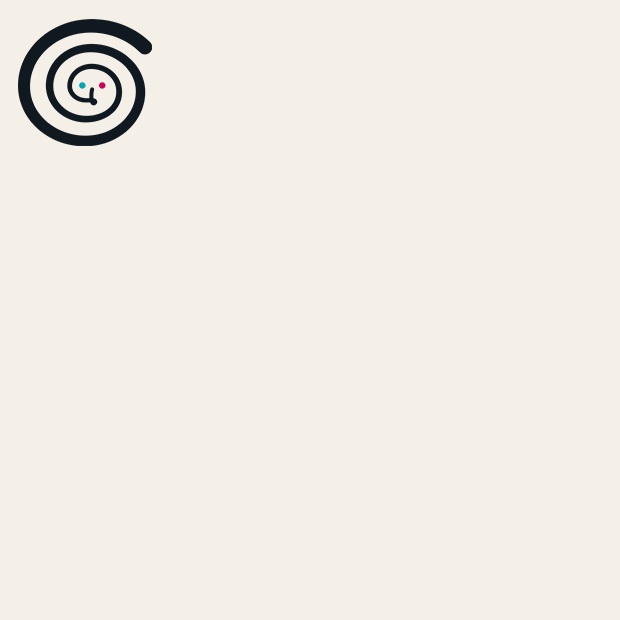
We know that creating images can be time-consuming, so we have prepared a set of png files which you can use as backgrounds for images. Simply download any of them and use Canva, Photoshop or other image editor to add other elements: the name of your network, the time and place of your network event, speakers, etc.
We regularly update this set of images, so do don’t forget to check the media pack from time to time!
Image editors
Open the external page to learn more about image editors you can use to create your images – either from scratch, or starting off by using our image bacground. Canva image creator has a free version which you can use for simple image editing.